
See our affiliate disclosure for details.
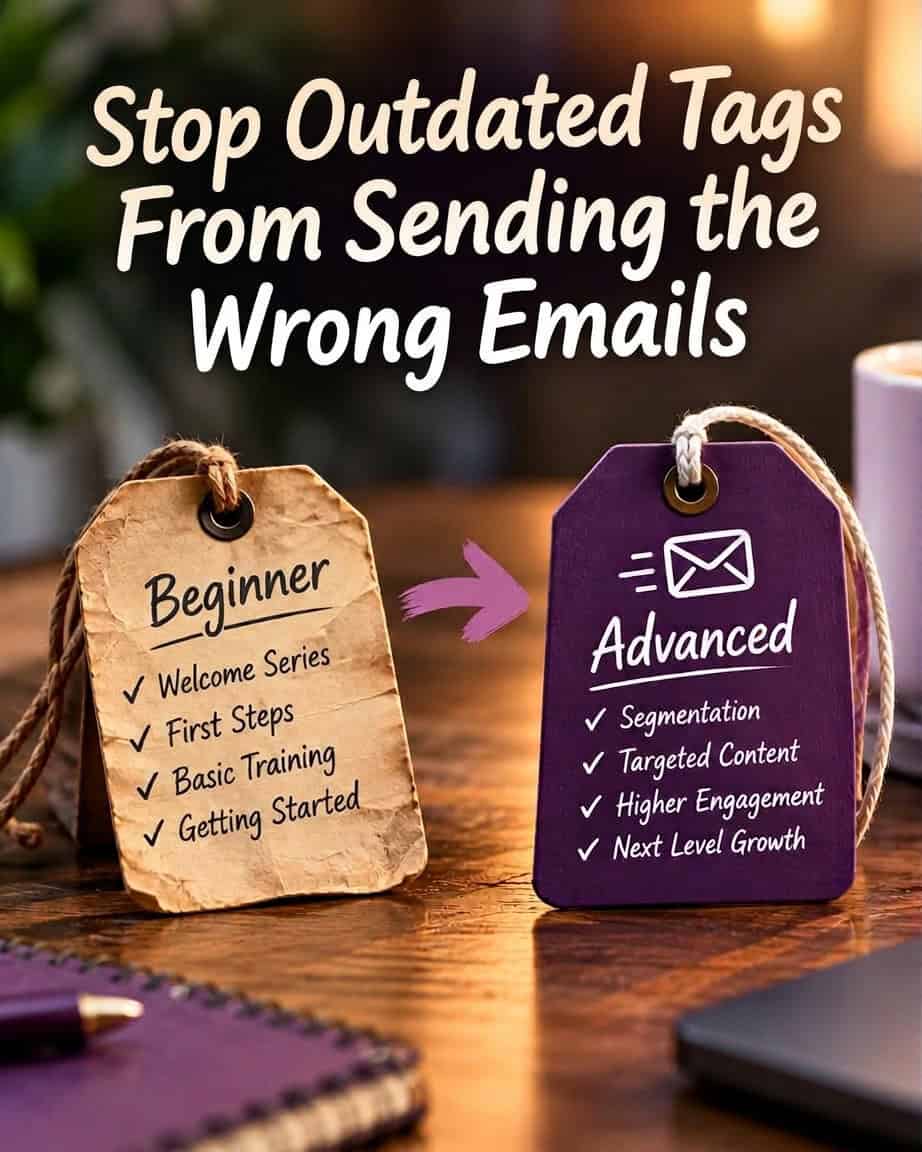
A subscriber joins your list for a “first 100 subscribers” guide. You tag them as a beginner, send the guide, and start a sequence about choosing a signup incentive and sharing an opt-in link.
Months later, they select your advanced segmentation track. You add another tag and start another sequence.
Now they’re receiving an email about writing their first welcome message alongside an email about separating customers by purchase history.
Neither email is necessarily bad. Your system is answering two different versions of the same person.
The mistake wasn’t adding the advanced tag. It was treating the beginner tag as something that could keep directing emails indefinitely.
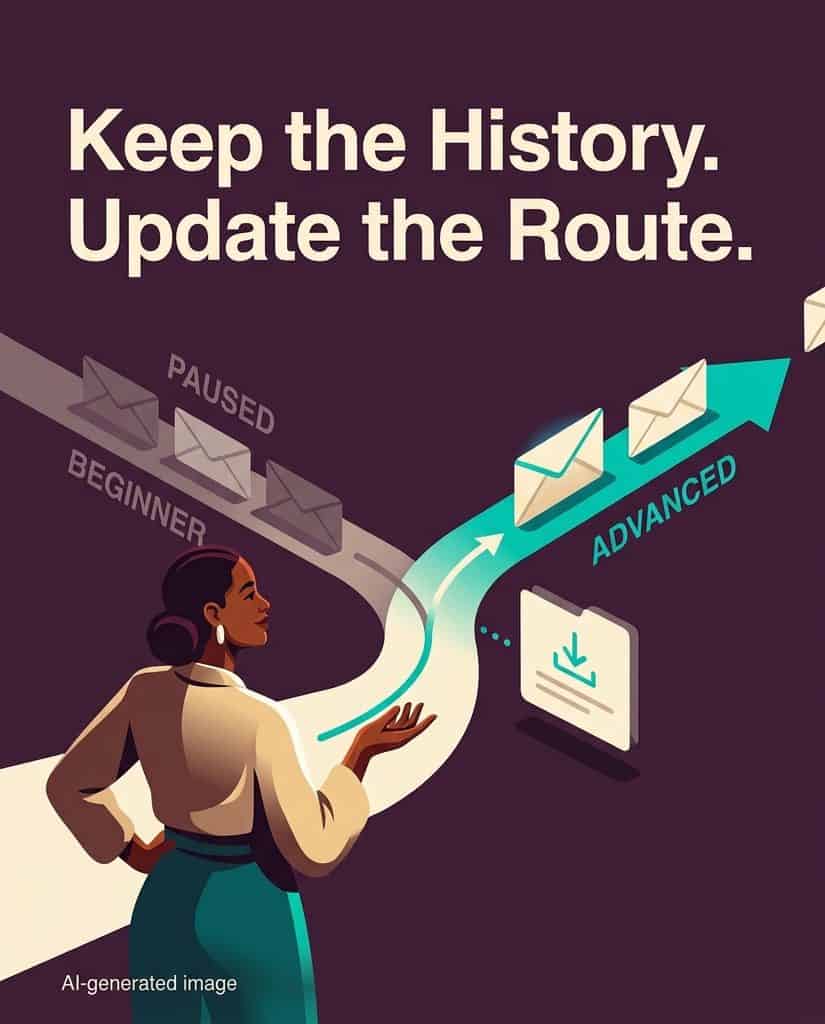
Keep the history. Update the instructions.
That distinction is the foundation of a useful tag lifecycle. Some tags record what happened. Others decide what happens next. Those two jobs need different rules.
A receipt isn’t a routing instruction
Downloading a beginner guide is an event. Needing beginner instruction is a current condition. They’re related, but they aren’t interchangeable.
A tag such as downloaded_first_100_guide can remain accurate years later. The subscriber really did download it. A tag such as track_beginner makes a different claim: beginner instruction is the appropriate route now.
When one tag does both jobs, you create a difficult choice. Remove it and lose useful signup history. Keep it and risk continuing outdated instruction.
Separate the jobs, and the choice disappears. Preserve the download record while changing the active learning track.
Apply this distinction by asking one question about each tag: Does this record a fact, or authorize an action?
A signup-source tag records a fact. A current-track tag authorizes a sequence. A preference tag may authorize particular topics. If removing a tag would change tomorrow’s emails, it needs a rule for when that permission stops applying.
This doesn’t mean every subscriber needs one interest only. Someone can want both copywriting and deliverability content. But if beginner and advanced are alternative routes through the same onboarding program, stacking them doesn’t create personalization. It creates competing instructions.
Decide which categories allow multiple selections and which represent a single current choice. Make that decision before writing the automation.
Consider Maya, a solo affiliate marketer building a newsletter about practical business tools.
She downloads your “first 100 subscribers” guide. Your system records that download and assigns her to the beginner track. She receives lessons about defining the newsletter promise, placing the signup form, and delivering the incentive.
Later, Maya has an established list. She wants to distinguish subscribers interested in email platforms from those interested in landing-page software. In your preference form, she deliberately selects “Advanced segmentation.”
That selection tells you what teaching she wants now. It doesn’t prove she has mastered every beginner skill. You don’t need that proof to honor her choice.
A weak automation adds track_advanced and enrolls her in the advanced sequence. Nothing changes elsewhere.
A better automation treats her selection as a replacement of the active route. It records the new choice, ends the beginner sequence, removes its active routing tag, and starts the advanced sequence. Her original download tag stays intact.
The exit matters as much as the entry. Depending on your email platform, removing an enrollment tag may not stop a sequence that’s already running. A message may also be queued before the change takes effect. Verify those behaviors rather than assuming a tag change cancels delivery.
Where your platform supports it, check the subscriber’s current track before sending each track-specific lesson. Also configure an explicit exit when the track changes. These safeguards address different points where outdated routing can persist.
Maya shouldn’t have to unsubscribe to stop lessons she has already asked to replace.
You can still make beginner resources available. A link to a foundational checklist in an advanced lesson gives her optional help without assigning her the entire beginner curriculum again.
The distinction is practical: access to a resource isn’t the same as enrollment in a route.
A workable lifecycle covers four decisions: adding, replacing, reconfirming, and retiring. You don’t need elaborate software to define them, but you do need an answer for each active tag.
Adding means naming the evidence. Apply a beginner-track tag when someone chooses that track, or use a beginner-guide signup as a reasonable starting assumption. If you infer the track from the download, let the subscriber change it easily. Downloading one resource is weaker evidence than deliberately choosing an ongoing learning path.
Replacing means naming what becomes incompatible. When a subscriber selects advanced segmentation, specify which beginner routing tag and sequence should stop. Don’t remove every beginner-related record. Remove the instructions that conflict with the new choice.
Reconfirming means checking a potentially stale instruction. After a sequence ends, before another track-specific campaign, or following a relevant preference change, ask whether the route still fits. A useful question offers concrete options: “Are you working on getting your first subscribers, growing an existing list, or personalizing emails for different groups?”
Choose the timing based on what the tag controls. A short onboarding route may resolve itself through completion. An experience-level tag used for months of campaigns needs another opportunity for correction.
Silence isn’t confirmation. If someone ignores a preference request, you haven’t learned that they’re still a beginner. You also haven’t learned that they’re advanced. Define a fallback, such as a general newsletter without track-specific lessons, rather than converting no response into a confident classification.
Retiring means ending a tag’s operational job. A tag can stop controlling delivery without disappearing from every historical record. Completed onboarding, an explicit track change, or a discontinued program can all end its usefulness as an instruction.
Retirement also applies to the automation rules that read the tag. Removing one label won’t fix a campaign that still uses an old download event to keep enrolling people in beginner lessons.
Audit the next email, not the tag count
You can have a neatly named tag library and still send contradictory emails. Organization isn’t evidence that the routing works.
Take a test subscriber through Maya’s exact path. Download the beginner guide, enter the sequence, then select advanced segmentation before the beginner sequence finishes.
Inspect what they’re eligible to receive next. Does the beginner sequence stop? Does advanced onboarding start once? Could another signup form reactivate the beginner route? Does the original download record remain available?
That third question catches a subtle failure. Someone who has chosen advanced instruction might later download a beginner checklist for a colleague or a quick refresher. If every download overwrites their active track, your entry automation can undo their explicit preference.
Set a precedence rule: an explicit current track choice should override an inference from a resource download unless the subscriber deliberately chooses to switch again.
Document that rule alongside the tag, its trigger, the emails it controls, and its exit condition. You’ll have a usable operating reference, not merely a naming convention.
Don’t begin by deleting old tags in bulk. First identify the tags that control active delivery. Trace each one to its sequences and campaign filters, then fix the transition and test it before retiring anything.
The goal isn’t fewer labels. It’s fewer outdated instructions.
Before you add another experience-level tag, complete this sentence: “This tag directs emails until ___, and when that happens, ___ stops.” If you can’t fill both blanks, you haven’t finished designing the subscriber’s route. You’ve only designed the entrance.
Try This With AI
Use the AI you’re already using: ChatGPT, Claude, Gemini, Grok, Meta AI, Copilot, or another general-purpose AI assistant. Replace the example information inside the brackets with your own information, then copy and paste the complete prompt into your AI.
AI Prompt
Audit my email tagging setup for outdated or competing delivery instructions: [Paste or describe your tags, what applies them, which emails or sequences they control, and any switching or exit rules you know. Example: Downloading my “first 100 subscribers” guide adds beginner and starts beginner onboarding. Selecting advanced segmentation adds advanced and starts advanced onboarding, but doesn’t stop beginner onboarding. Downloading another beginner resource adds beginner again. I don’t have reconfirmation rules.] Your primary job is to design a tag lifecycle that preserves accurate history while preventing outdated tags from directing future emails. Distinguish tags that record facts from tags that authorize actions, and separate compatible interests from mutually exclusive learning tracks. Identify the three most consequential routing risks supported by my input, explaining the trigger, conflicting instruction, and likely delivery consequence. Then provide a compact lifecycle table for the affected routing tags covering evidence for adding them, what a replacement must stop, when to reconfirm them, and when to retire their operational role without erasing history. Give explicit subscriber choices precedence over inferred interests from downloads, and don’t treat silence as confirmation. Finish with one concrete test-subscriber journey that checks the transition, sequence exit, single enrollment in the new route, preservation of history, and whether a later download can accidentally restore the old route. Define expected outcomes rather than assuming tag removal stops an active sequence or cancels queued messages. Label inferences and unknown platform behaviors, distinguish proposed rules from existing ones, and don’t invent capabilities or ask follow-up questions when a useful audit is possible. Keep recommendations specific to my setup, and end with a completed rule for its highest-risk routing tag using this structure: “This tag directs emails until …, and when that happens, … stops.”
Did you like this? Then 'like and share' it with others.

Reg Ervin
